
01
Paste the Instagram hashtag link in Batch
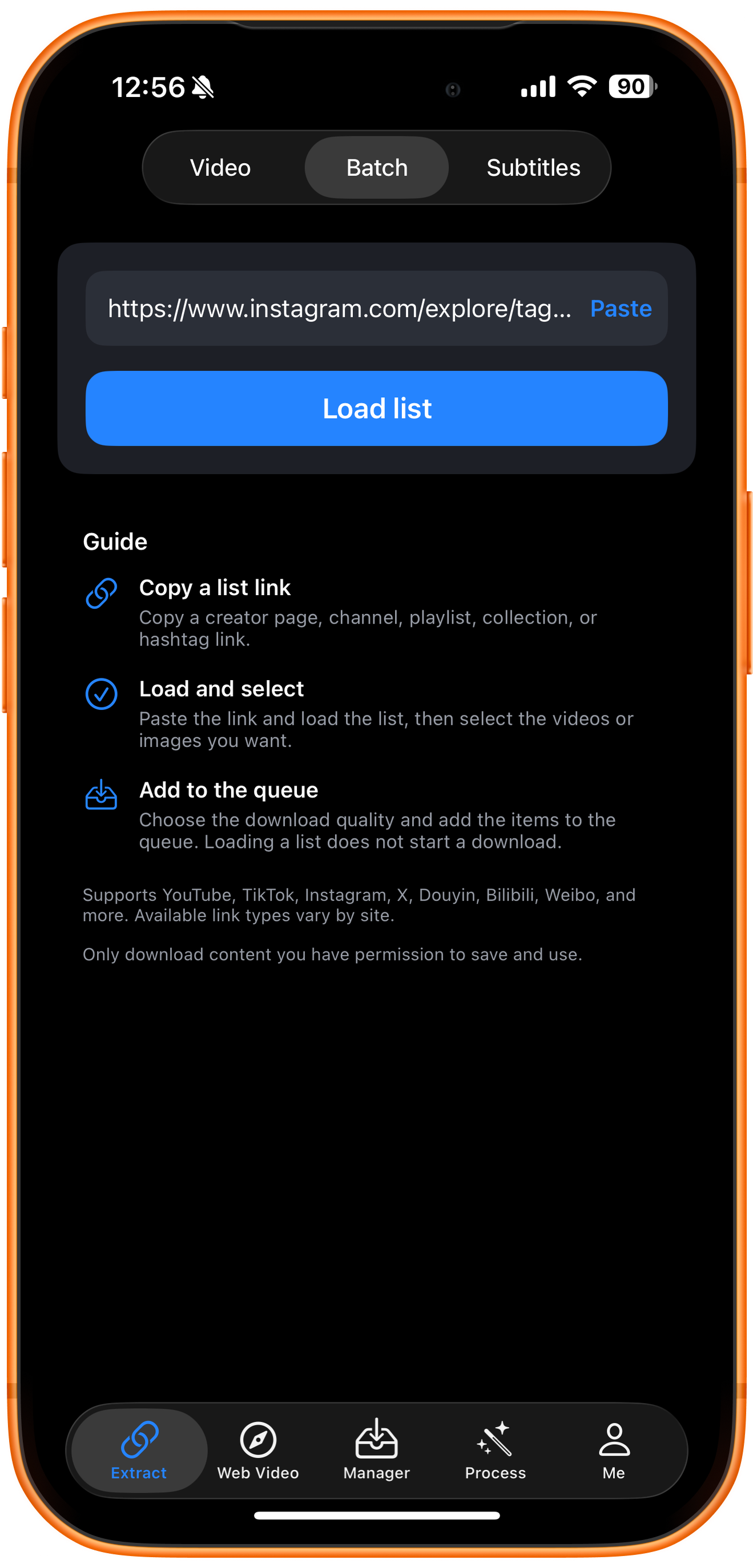
Instagram hashtag links use the format https://www.instagram.com/explore/tags/topic-name. The example below uses model. Open Extract in ClipDock, switch to Batch, and tap Paste to enter the full link. Do not add # before the topic name in the URL.
02
Load the hashtag list and wait for results
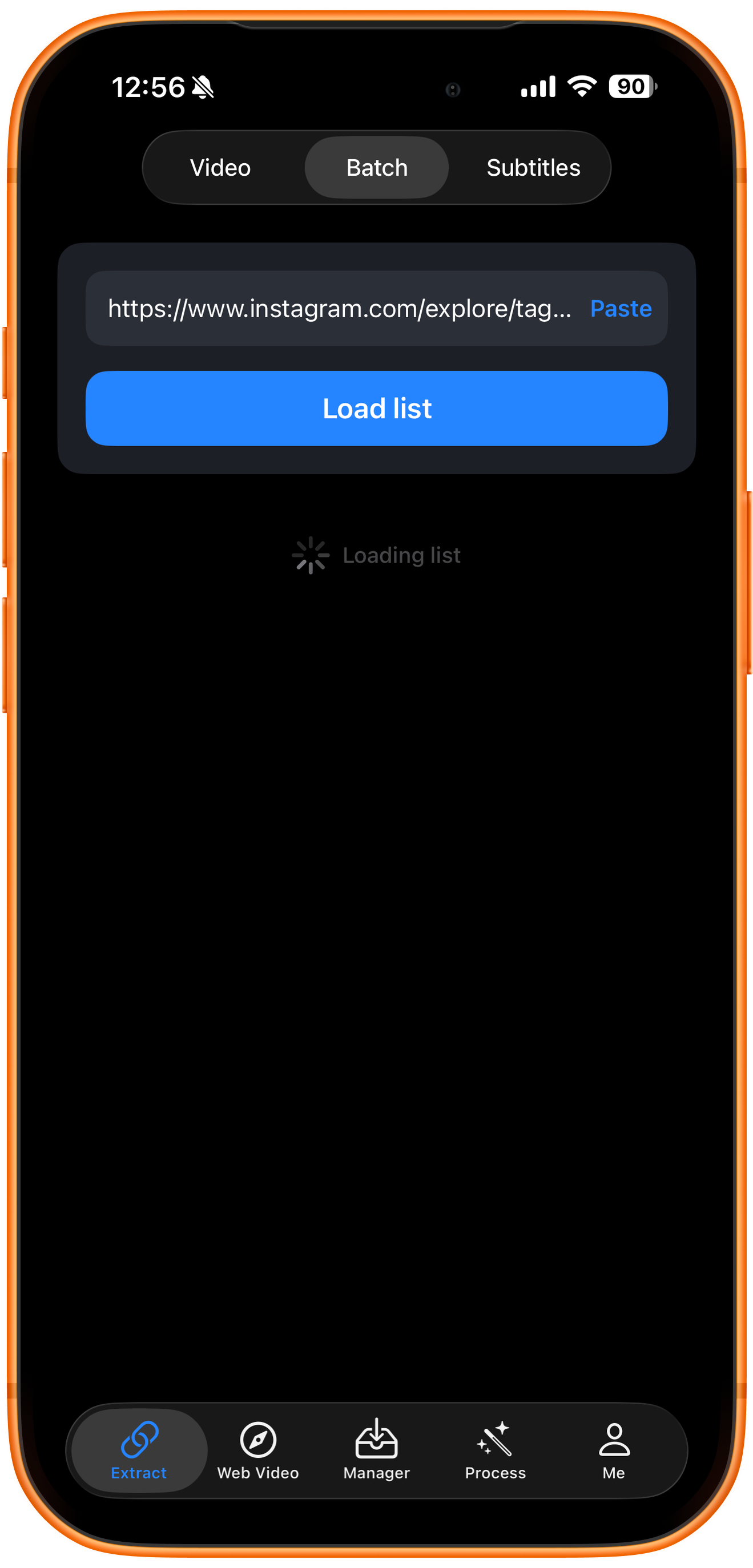
Tap Load list and wait for Loading list to finish. This only retrieves selectable resources; it does not start downloading. You still need to select items and tap Add to queue.
03
Select photos and add them to the queue
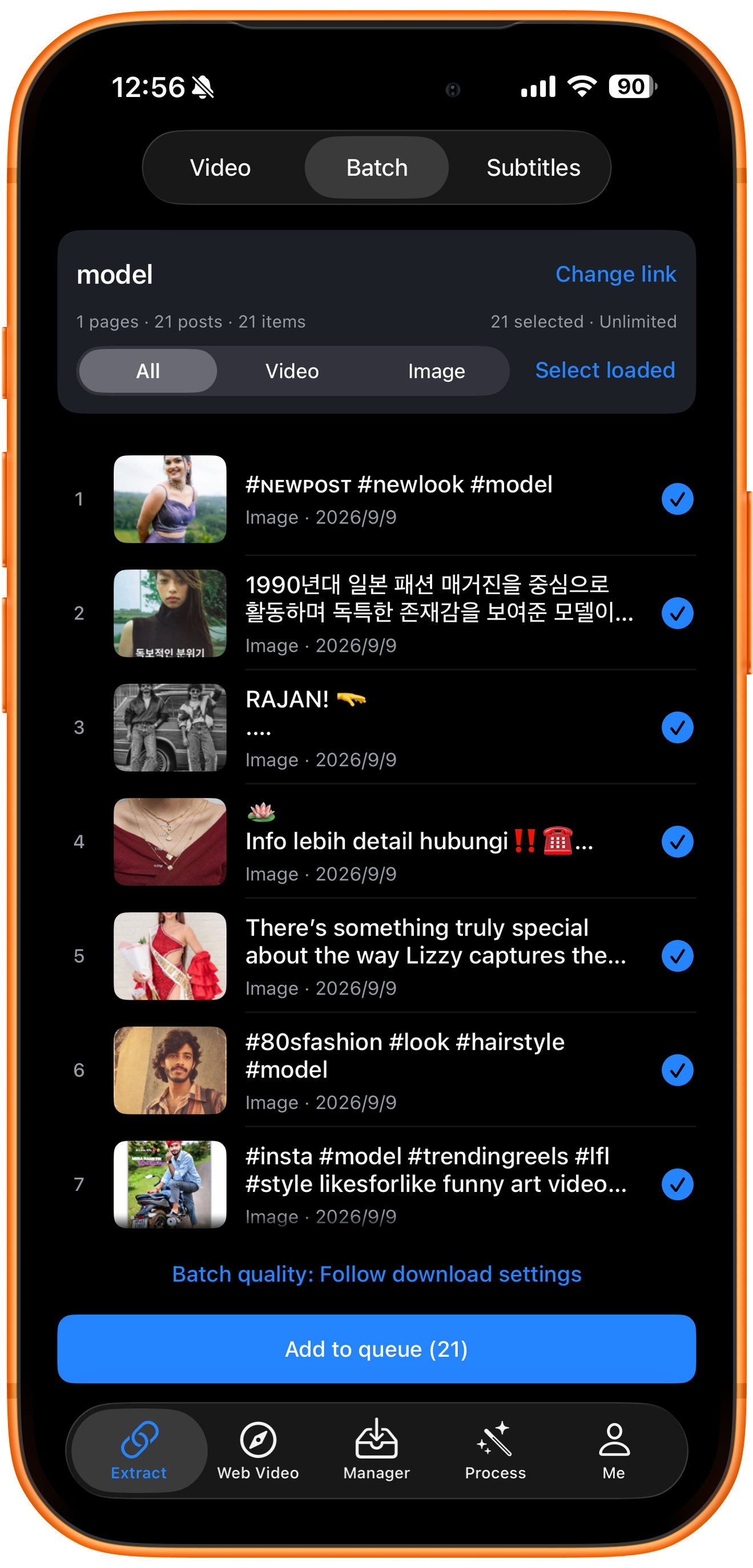
Confirm model as the source and select the photos you want. Use the Image filter or Select loaded as needed. After filtering, check the selected items and count before tapping Add to queue. The example shows 21 loaded and selected items labeled Image, with Add to queue (21) on the button.
04
Check queue status and download progress
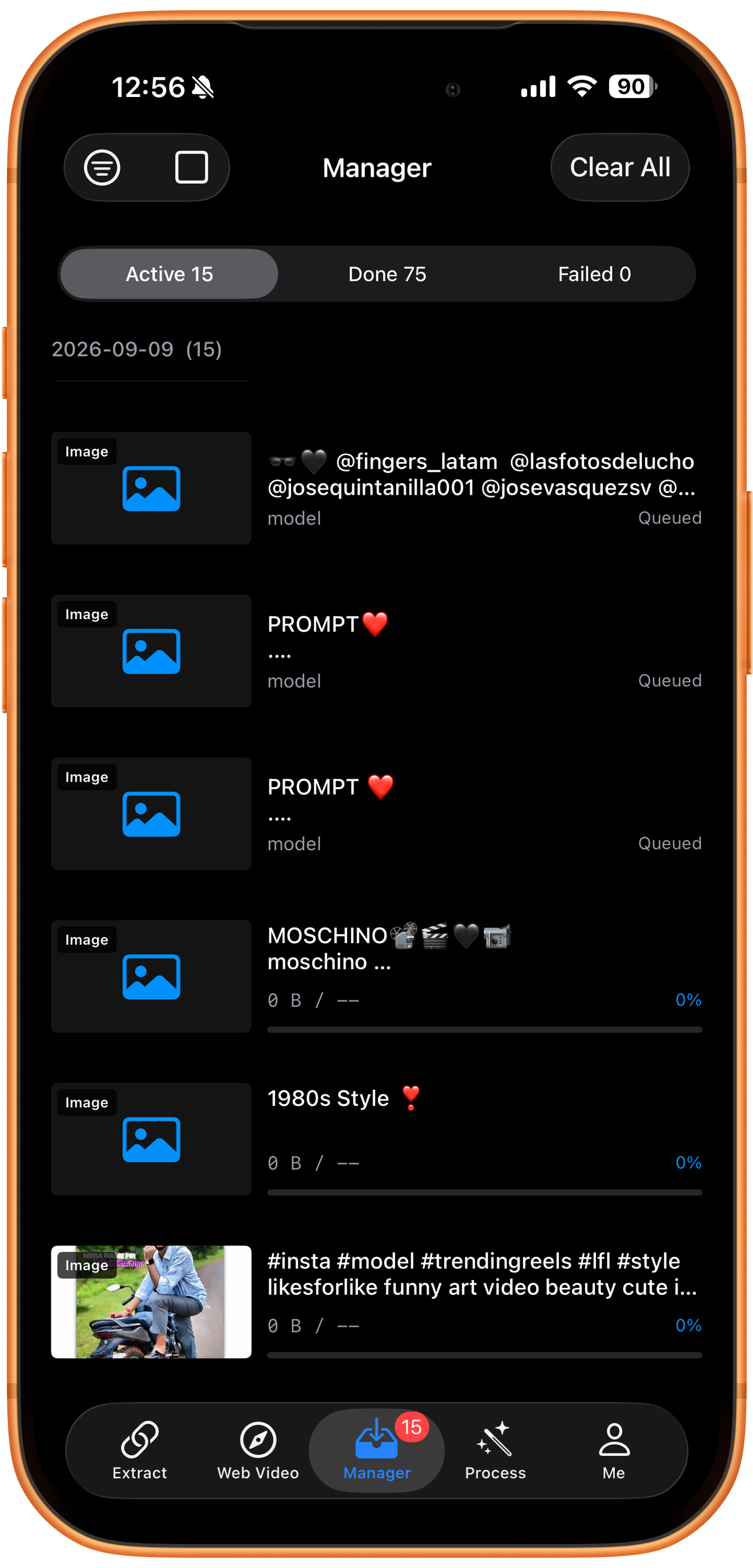
Open Manager to follow your downloads. Active contains queued and running tasks, Done contains completed files, and Failed contains tasks that need attention. Open a task to check its status.
Troubleshooting
The results differ from the hashtag page
Confirm that the link contains /explore/tags/, then check the topic name, loaded pages and account limits. The returned list may not include every post under the hashtag. Select loaded only selects loaded resources. Avoid repeatedly submitting the whole list without checking.
Frequently asked questions
How does an Instagram hashtag link differ from a profile link?
A hashtag link identifies content under a topic and can include posts from different creators. A profile link identifies one creator. For hashtag batch downloads, use a full URL such as https://www.instagram.com/explore/tags/model, rather than just #model.
Will completed batch downloads automatically appear in Photos?
Enable Auto-Save Completed Downloads to Photos in Download Settings to save supported downloads automatically. Otherwise, use Save to Photos after downloading. Saving requires photo access and a supported format.
Supported platforms
Batch sources include supported YouTube channels, Shorts, hashtags, and playlists; Instagram profiles and hashtags; X and TikTok profiles; and supported profiles or collections on Douyin, Bilibili, Weibo, and other platforms. Check the resources actually returned for your link.
Try it on your device
ClipDock is free to download, with in-app purchases. Features and available options depend on the current app version.
Download on the App Store